Basic
3
VS
Ergono3D
10+
guided entry vs pro depth
Basic stays narrow and guided. Ergono3D expands into deeper design control.
Insole.Design gets you a usable base fast. Ergono3D.com gives you full control for professional outcomes.
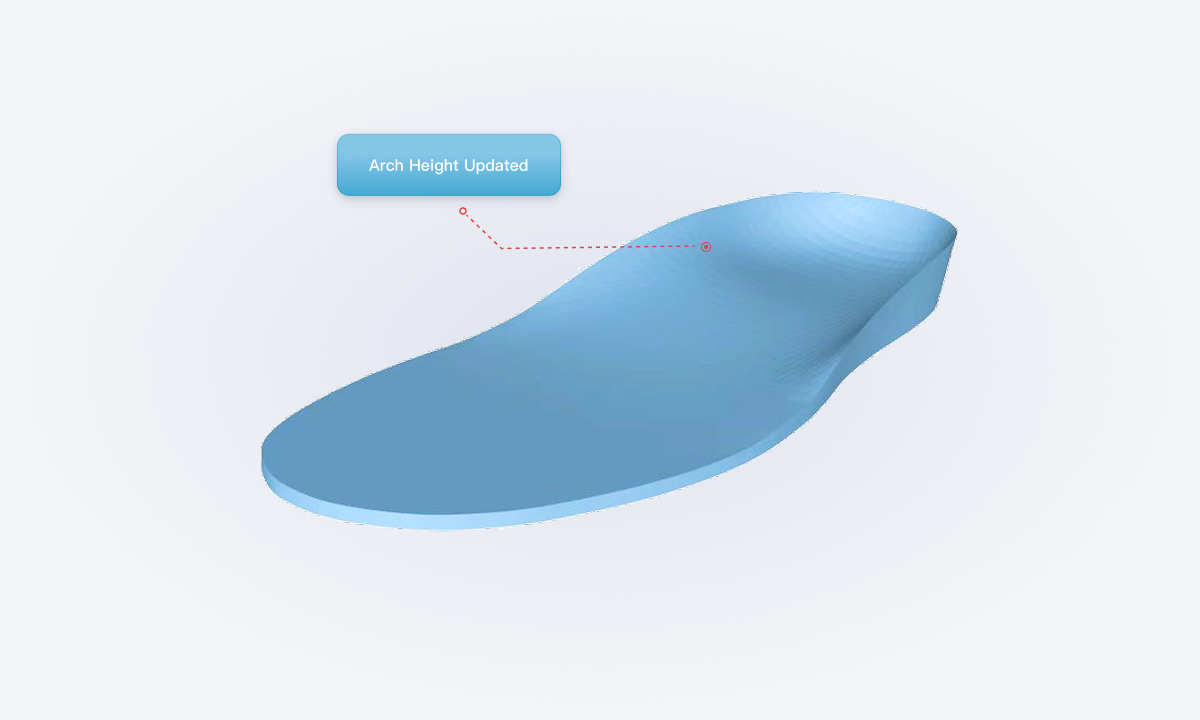
Directly compare the legacy base model and Ergono3D advanced model. Drag to rotate. Scroll to zoom.
Auto-generated basic base shape from Insole.Design.
Higher-fidelity model for deeper parameterized control.
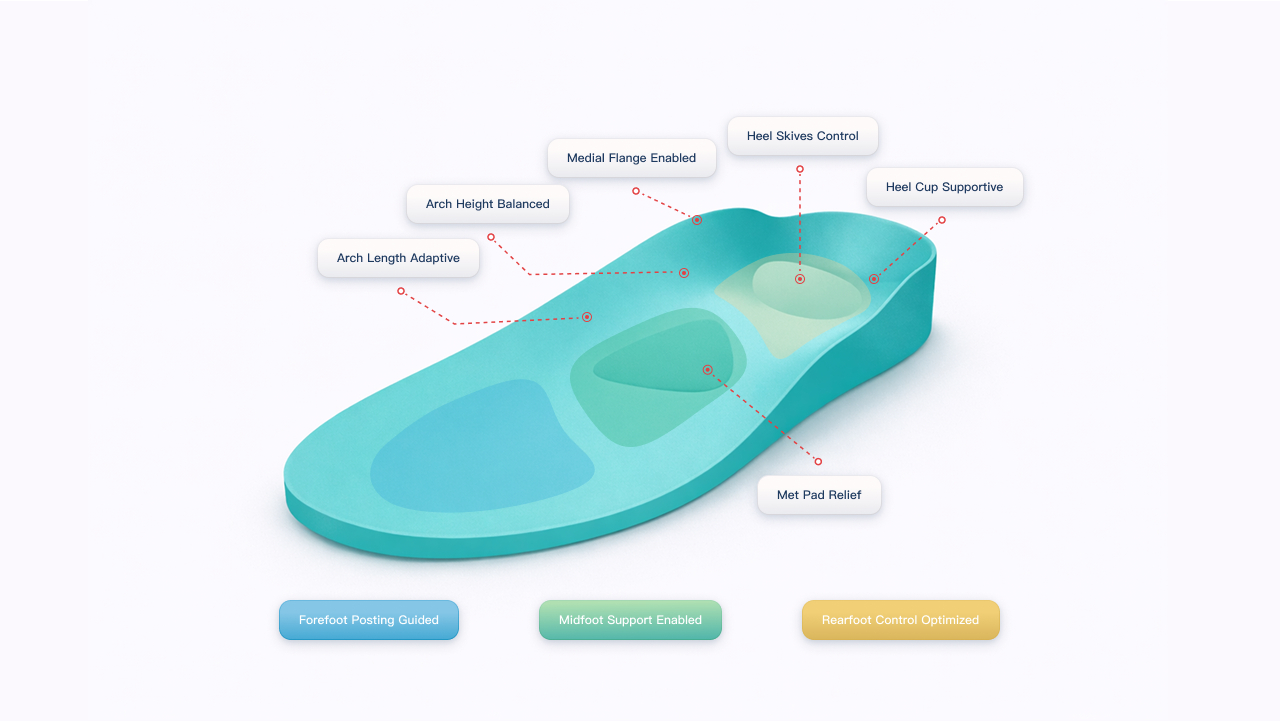
| Parameter | Basic | Ergono3D.com |
|---|---|---|
| Arch Height | Yes | Yes |
| Arch Length | No | Yes |
| Heel Cup Depth | Yes (Preset) | Yes |
| Forefoot Posting (Varus / Valgus) | No | Yes |
| Rearfoot Posting (Varus / Valgus) | No | Yes |
| Medial/Lateral Heel Skive | No | Yes |
| Medial/Lateral Flange Height | No | Yes |
| Metatarsal Pad (Position / Height) | No | Yes |
| Thickness Control | No | Yes |
| Midsole Offset Selection | No | Yes |
| Function | Basic | Ergono3D.com |
|---|---|---|
| Local Asymmetric Tuning (Left/Right Independent) | No | Yes |
| Scale and Fit Control | No | Yes |
| Personal Notes Input | No | Yes |
| Design Management | No | Yes |
| Version History & Iteration Tracking | No | Yes |
| Context Layer | Basic | Ergono3D.com |
|---|---|---|
| Podiatrist-Informed Design Logic | No | Yes |
| Connected Workflow (MCP-ready) | No | Yes |
Generate your base shape with the Basic tool, then continue in Ergono3D.com when you need deeper control and stronger output standards.